


















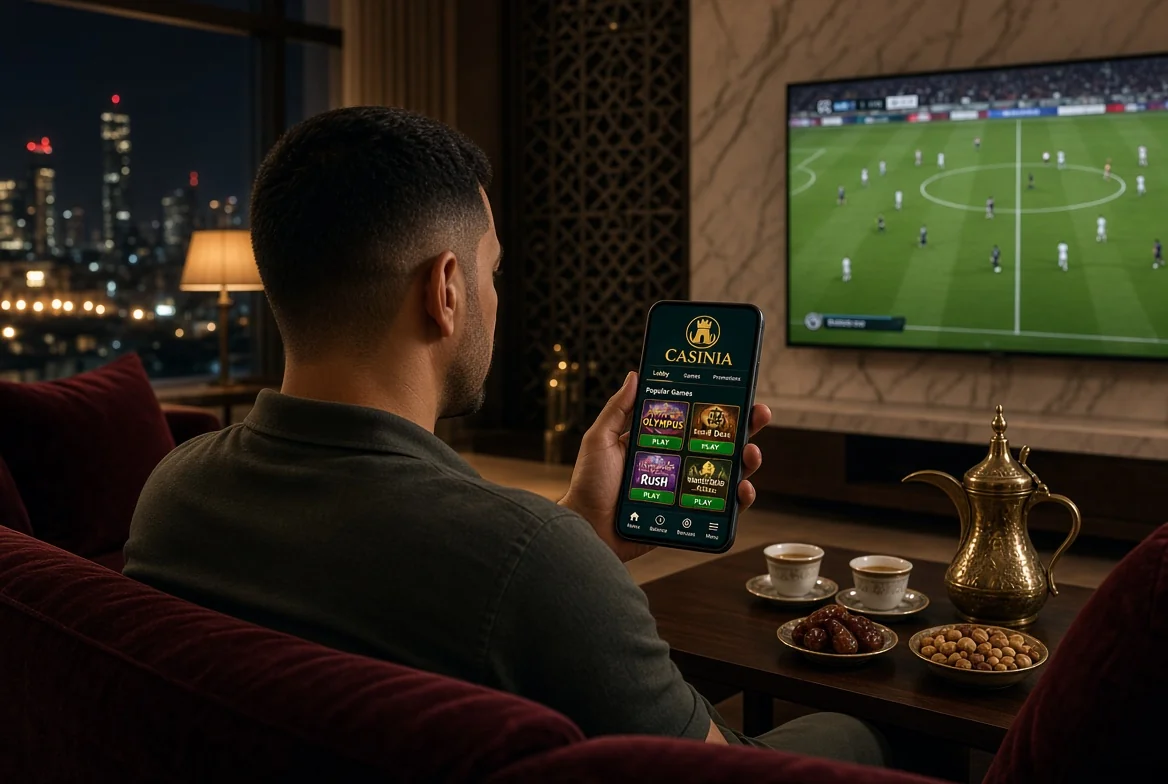
Before the app, though, a question that only you can answer. Having Casinia on your phone doesn’t settle whether you’re permitted to use it; the operator’s terms leave that entirely to the customer. So please check that online casino or betting activity is allowed in your jurisdiction before you register, deposit or play. You’ll need to be over 18. And, to be plain about it, no app changes what a casino game is – a game of chance, with no result promised.
Casinia Casino on Mobile in Kuwait
Open the casino on a phone and you get the full lobby, not a trimmed-down version. When we checked, it was arranged in fifteen categories – Slots, New, Popular, Top, Megaways, Bonus Buys, Exclusive, Streamers’ Choice, Provider of the Week, Instant Games, Table Games and Live Games among them – with titles from more than a hundred studios, including Playtech, Yggdrasil, Hacksaw, Quickspin and BGaming. A search field at the top takes game names, categories and providers, which on a small screen is, honestly, the only sensible way to find anything among thousands of tiles.
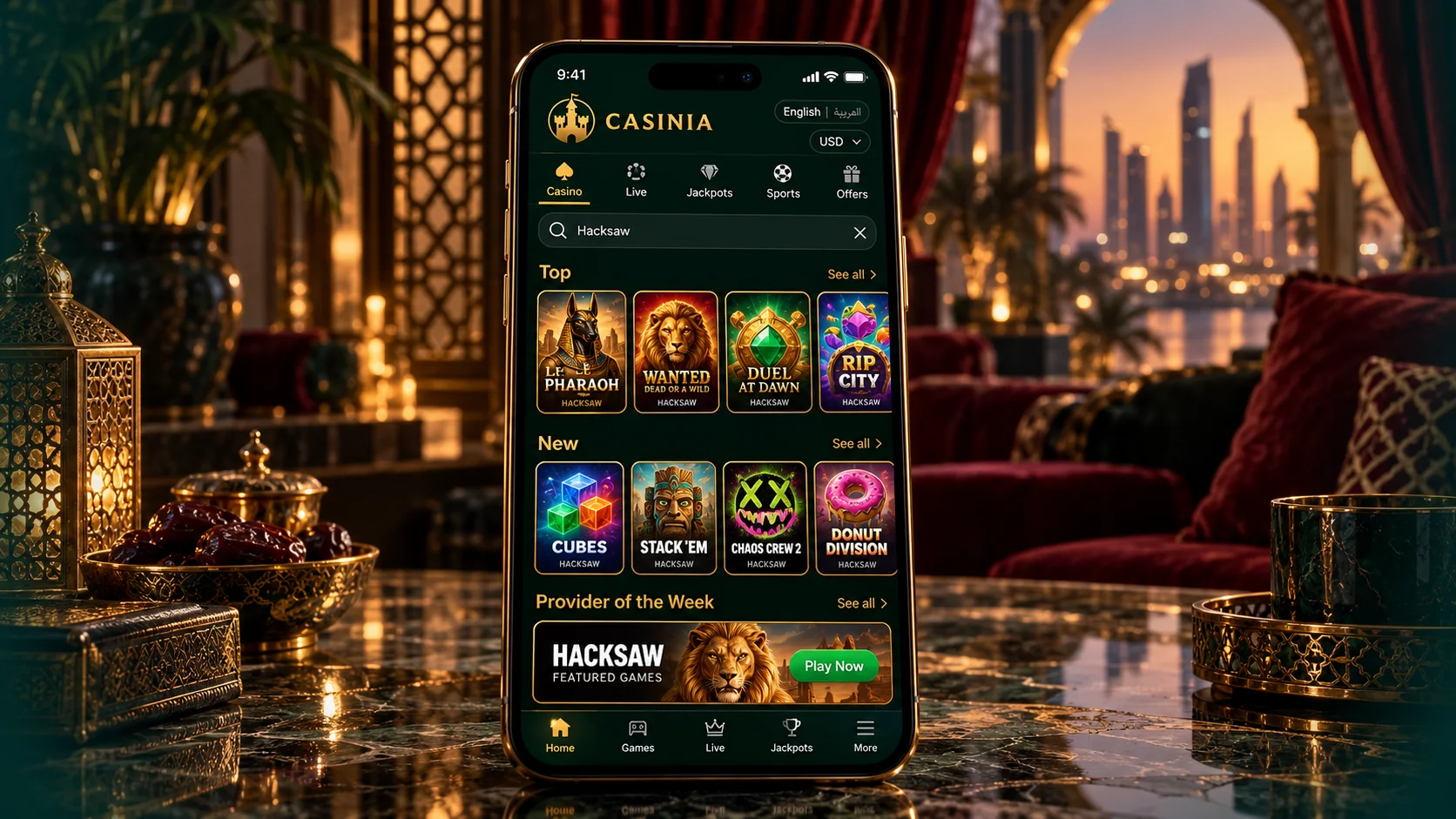
A few points matter for readers in Kuwait in particular. The interface is offered in Arabic. The live casino includes roulette and blackjack tables hosted in Arabic. And the operator’s terms list NetEnt games as unavailable in Kuwait, so a title you’ve heard of elsewhere may simply not be there. Amounts in this guide are given in dollars, in line with the operator’s own currency tables. If you’d like a first impression before installing the Casinia app, the mobile site opens in any browser, and the games can be tried in demo mode at no cost.
Casinia App Download Options
When people search for a Casinia app download, they usually picture one button and one file. In practice the operator offers a small set of official routes, and which one you take depends on your device. Here they are, side by side.
| Option | Device | What it is | Where it comes from |
|---|---|---|---|
| —– | —– | —– | —– |
| Android app | Android | An application installed from an APK file | The operator’s official Android download page |
| Home-screen shortcut | Android | An icon that opens the mobile site in one tap | The Create Shortcut page on the site |
| Home-screen shortcut | iPhone and iPad | The app for iOS: an icon that opens the mobile site | The Create Shortcut page on the site |
| Mobile browser | Any device | The site itself, with nothing to set up | Your browser |
All four lead to the same account, the same balance and the same casino. So the choice isn’t really about features; it’s about how much you want on your phone. The Casinia app for Android is a full installation. The shortcut is as light as it gets. If you’re undecided, the browser lets you look first and choose later, and a Casinia app download can always follow once you know you’ll use it.
Android and iOS Access
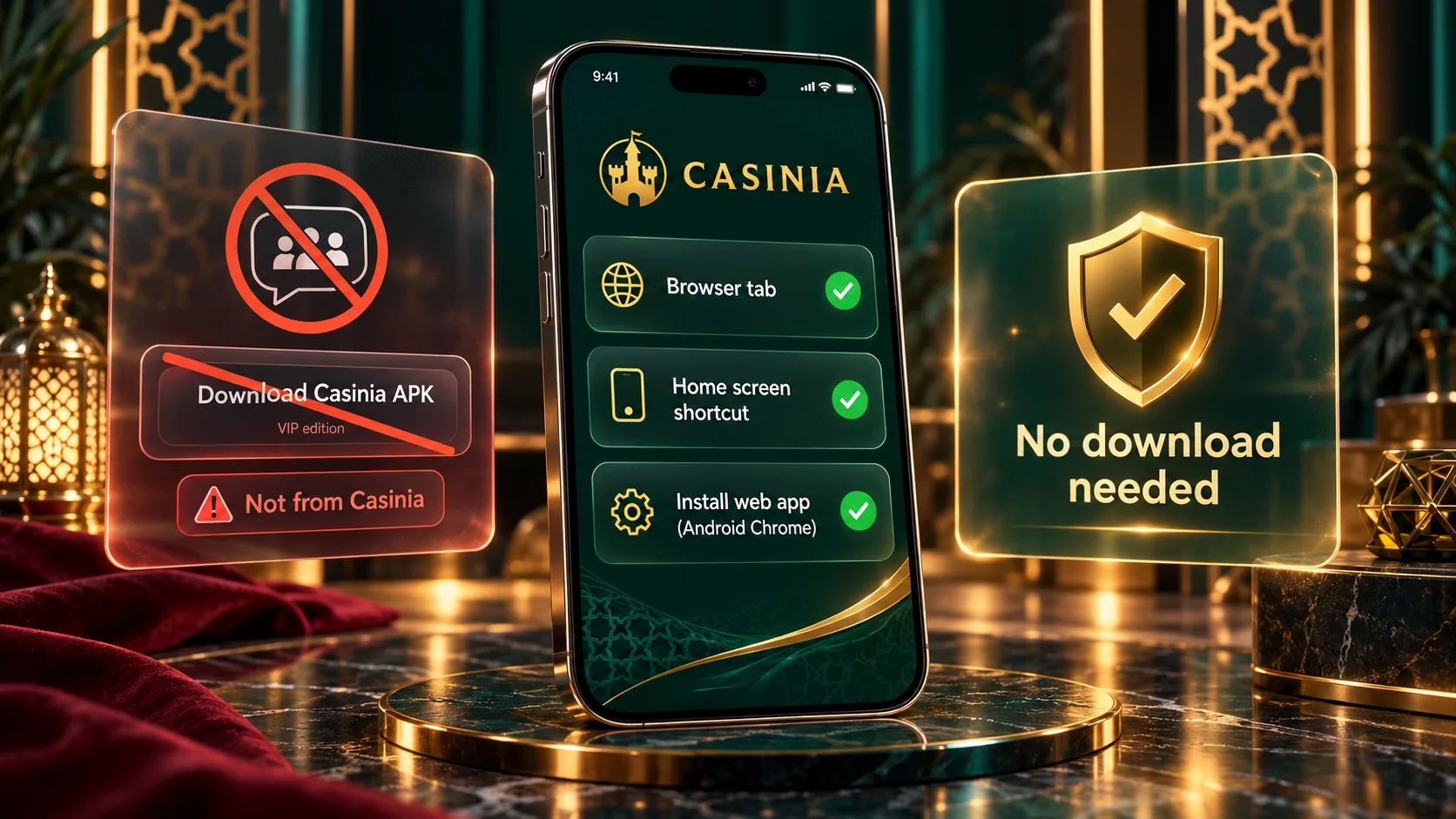
The two platforms differ in one respect only. On Android you have a real choice: install the Casinia casino app from its APK file, or add the shortcut and skip the installation. The APK is the standard package format for Android applications; you download it from the operator’s official page, open it, and the app appears among your others. The shortcut, by contrast, is created inside the browser in a few taps and stores next to nothing on the phone.
On an iPhone or iPad there’s a single official route, and it’s the shortcut. You add it from the browser’s share menu in three steps, and from then on it behaves like any other icon on your home screen. I mean, for most everyday use the difference is hard to notice – you tap, Casinia opens, you log in. Both platforms are covered in detail further down. One rule applies to each of them, and it’s worth stating early: whatever form the Casinia app download takes, start from the operator’s own site, and don’t accept a file or a link from anywhere else.
Installation or Home Screen Shortcut
Let’s take the shortcut first, since it works on both platforms and is the quickest way to get Casinia onto a home screen. The official instructions are on the Create Shortcut page, linked in the site’s footer under General Info. For Android, they run to four steps:
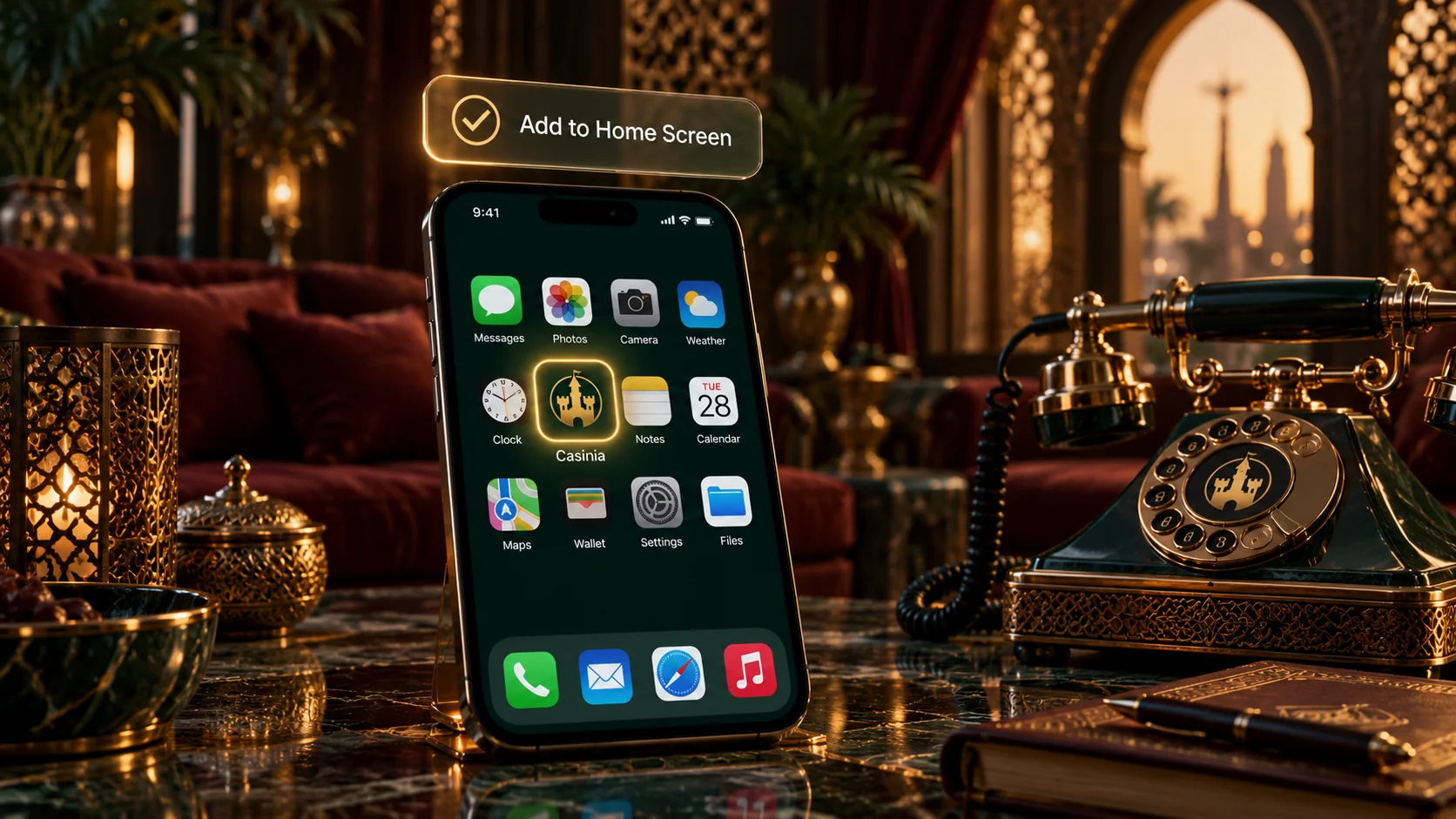
- Try the installation link shown on the Create Shortcut page;
- If that doesn’t do it, tap the menu icon – three dots in the upper right-hand corner of the browser;
- Scroll down the menu and tap Add to Home screen;
- Type a name for the shortcut, and the browser adds it to your home screen.
On iOS the idea is the same but the route goes through the share icon; we set those three steps out in the iPhone section below. Either way, what you end up with is a small icon that opens the mobile site directly. It isn’t a separate program, so there’s nothing to update and almost nothing stored on the phone, and you can remove it by deleting the icon. Some people call this sort of thing a PWA; the official page simply says shortcut, and doesn’t promise app-style extras such as notifications. If you’d prefer a full installation on Android, the Casinia casino app from the APK is described in its own section. For a light, private way in, though, the shortcut version of the Casinia app is hard to fault.
Casino Games and Live Casino on Mobile
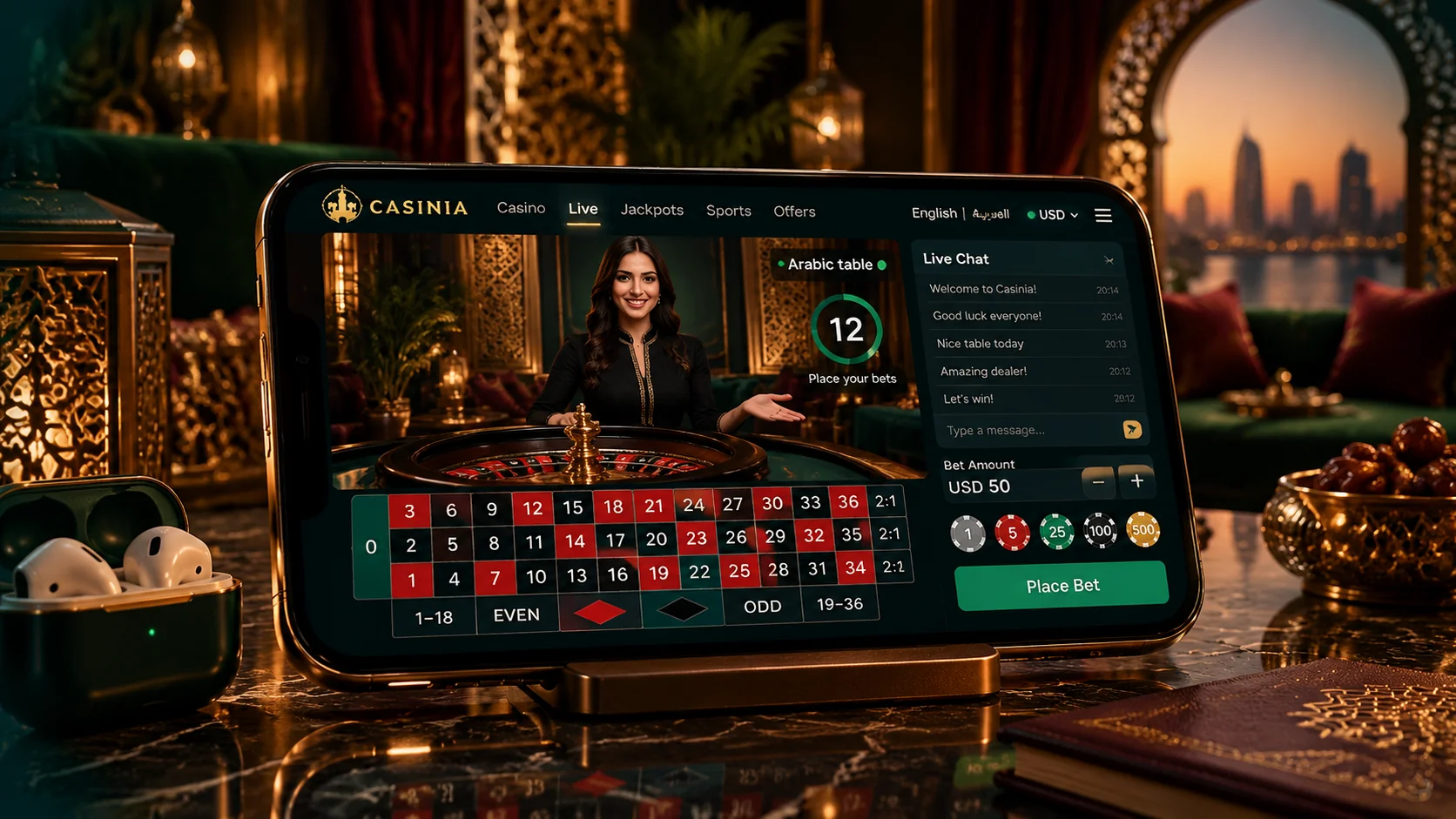
The games are, after all, the reason anyone wants the Casinia casino app, so here’s what the mobile lobby holds. Slots make up the bulk of it, sorted into tabs such as New, Popular, Megaways and Bonus Buys, with a separate Jackpots page of seven tabs where the current prize pools are shown on the game cards. Table Games gathers software versions of roulette, blackjack and video poker, and Instant Games covers the quick-round titles. Every card carries a Demo button, so you can see how a game behaves on your screen before a dollar is involved.
The live casino has its own entry in the menu. When we looked, it listed more than seven hundred tables: blackjack was the largest group, followed by roulette, then baccarat and dice, game shows and a small poker section. An International tables category includes Roulette Arabic and BlackJack Arabic. Each table sets its own stake range, shown on its card, so we won’t quote a single figure. Live tables are video streams, and they need a steadier connection than slots do – Wi-Fi is the safer choice. You don’t need a Casinia app download to browse any of this, by the way; the lobby opens without an account. However you reach Casinia, it’s worth starting with the demo versions and simply looking around.
Casinia Login, Bonuses, Payments and Support
Here’s the practical side in brief; each part gets a fuller section later. Logging in at Casinia is the same on a phone as anywhere else – press Log in, enter your username or registered email, then your password, which is case-sensitive. Registration sits beside it and asks for your email, name, date of birth, country, postal code, phone number, gender and a username. Only one account is allowed per person and household, so an existing account should simply be used on the new device.
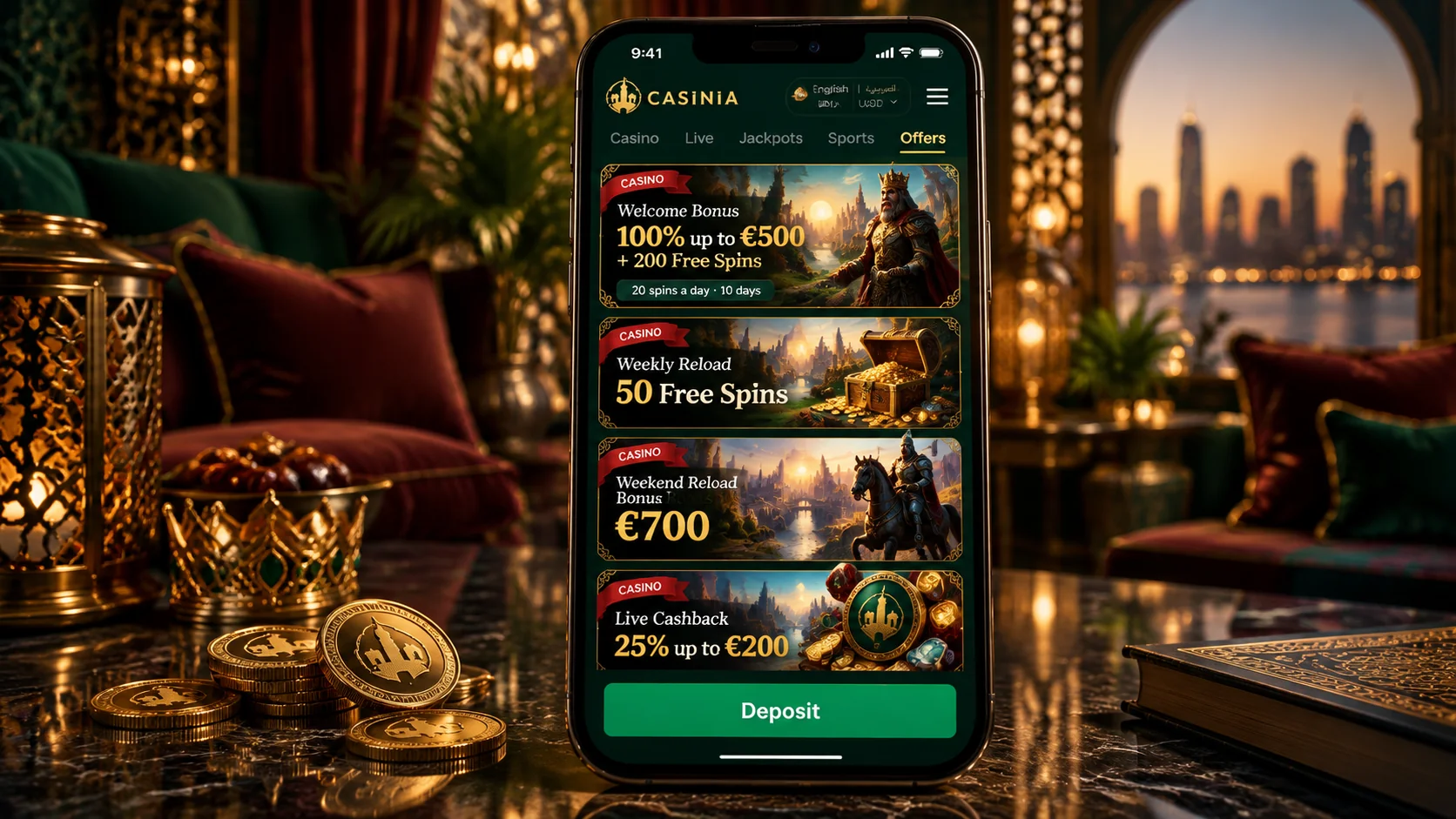
Bonuses are opt-in and are activated in the My Bonus section of your profile. The casino welcome offer when we checked was 100% of a first deposit up to \$500 with 200 free spins, from \$20, with 35-times wagering in 10 days. Deposits start at \$15 by card, e-wallet, PlayID or cryptocurrency, and withdrawals are processed within three business days. Support is on live chat around the clock and at [email protected]. All of it is reachable from the Casinia app or the shortcut, in the same menus you’d find on a computer. If any of these matters to you especially, skip ahead to its section.
Casinia Casino App for Android
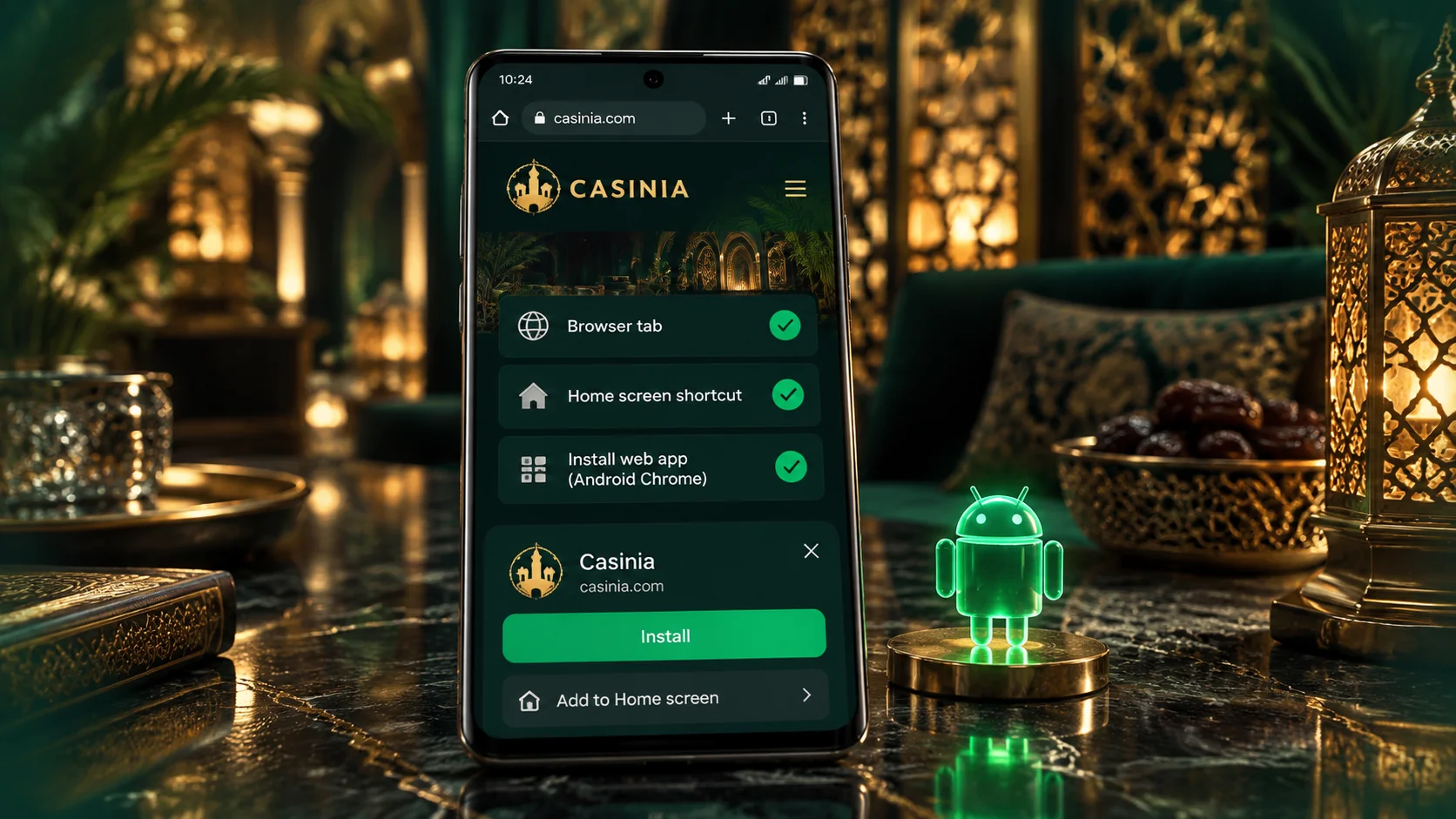
Now to the Android installation itself. The Casinia casino app for Android comes as an APK file, which the operator provides on its official Android download page. A note of honesty first: the steps below are the standard way any APK is installed, and the exact wording of the prompts varies between phone makers and Android versions. If the download page gives its own instructions, those take priority.
- Open the operator’s official Android download page from its website;
- Tap the download button and wait for the APK file to finish;
- If Android asks whether your browser may install apps, allow it;
- Open the file from the notification or the Downloads folder and tap Install;
- Find the app in your app list, open it, and log in.
That’s the whole Casinia app download on Android. Wi-Fi makes it quicker and spares your data, and once the app is installed you can switch the installation permission off again in your settings – it was only needed for that moment. We haven’t quoted the version, file size or minimum Android version, since those change; the download page is the place to check them. The app signs in with your usual account, so there’s nothing to register twice.
It’s worth pausing on the first step, because it’s the one that protects you. An APK is a real program, and a copy from a file-sharing site or a forwarded link could contain anything. Take the Casinia casino app only from the operator’s official page, glance at the address bar before you download, and ask support if you’re unsure. Set aside five quiet minutes, and Casinia will be among your apps; the Casinia app is no harder to install than that.
Official Download or Shortcut Options
If you’re on Android and can’t decide between the two, it may help to see what each one asks of you and gives you back. This is our comparison, based on how the two formats work:
- the APK app is an installed program with its own icon, and suits regular use;
- it needs a download and a one-time permission to install from your browser;
- the shortcut takes a few taps, installs nothing and uses almost no storage;
- the shortcut always opens the current site, while a new version of the app should be taken from the official page;
- both use the same login, the same balance and the same games.
There’s no wrong answer here, and you’re not locked in – you could try the shortcut first and move to the app later, or keep both. What we’d steer you away from is any third option. A Casinia app download offered on a file-sharing site, or sent to you as a link, isn’t one of the official routes, and there’s no way of knowing what such a file contains. The official Casinia app comes from the operator’s download page; the official shortcut comes from its Create Shortcut page. If something claims to be the Casinia casino app and comes from neither, leave it alone.
Casinia Casino App for iPhone
On an iPhone or iPad, the Casinia casino app is the home-screen shortcut, and setting it up takes three steps. They’re from the official Create Shortcut page; have the site open in your browser before you begin.
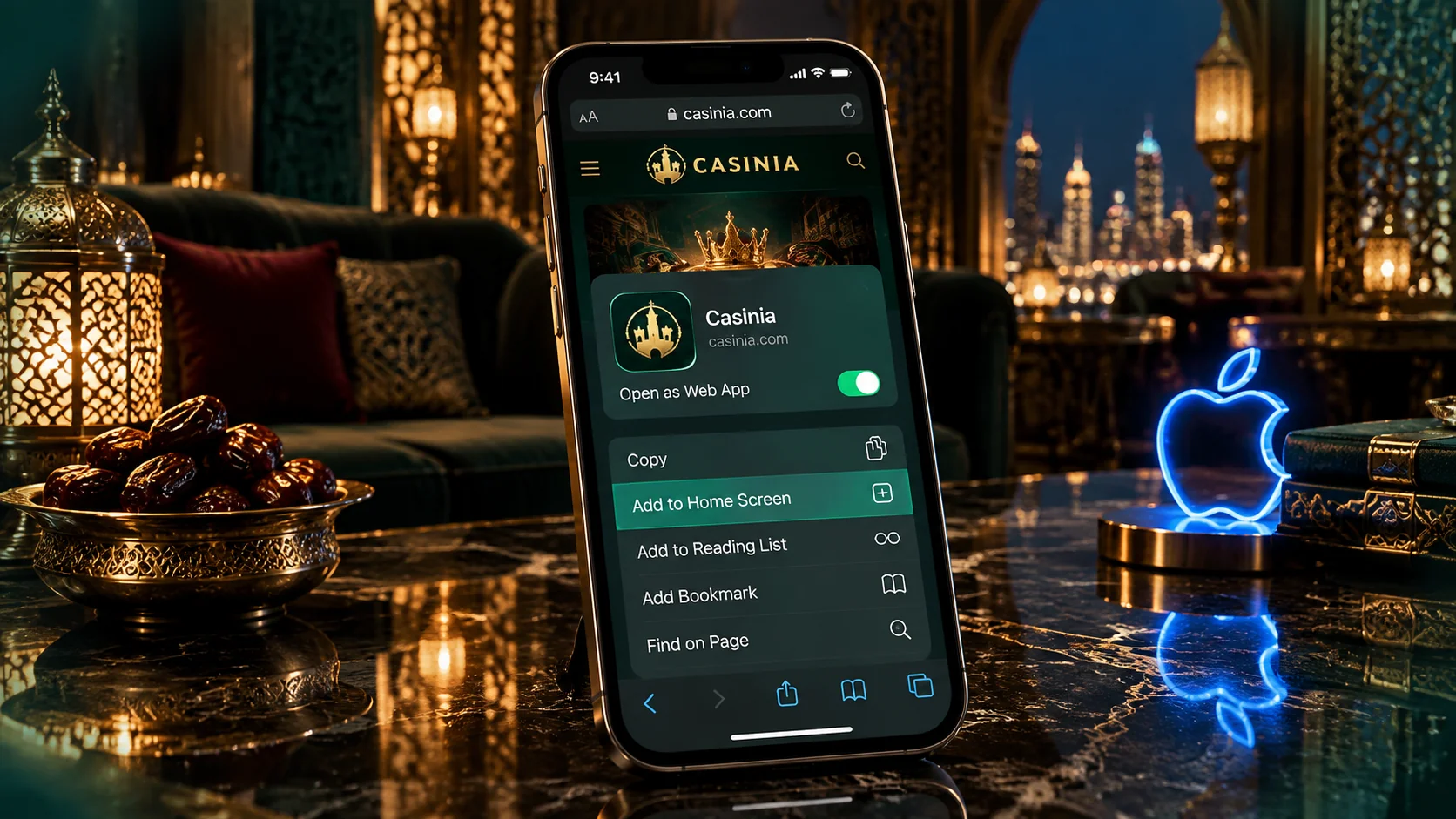
- Tap the share icon – the box with an arrow pointing out of it – to open the menu;
- Scroll down in that menu and tap Add to Home Screen;
- Enter a name for the shortcut, and the browser adds it to your home screen.
A few practical notes, since they save a moment’s confusion. In Safari on an iPhone the share icon is in the bar at the bottom of the screen, and on an iPad it’s at the top. Add to Home Screen sits some way down the menu, beneath the row of contacts and apps. If you usually browse with something else and the option isn’t showing, it’s simplest to do this once in Safari.
After that, the icon is yours to arrange as you like – move it, file it in a folder, or name it discreetly when you create it. One tap opens Casinia with your account ready for login. There’s nothing to update, because the icon always opens the live site, and removing it is a matter of pressing and holding. For iPhone users this is the complete Casinia app download: no file, no waiting, and the Casinia app on your home screen in under a minute. It’s worth doing with the phone in your hand.
Mobile Slots and Live Casino
A word on how the lobby actually handles on a phone, because that’s where a casino either works or doesn’t. Slots are the easy part. Each one opens from its card, and the Demo button means you can check how a game sits on your display before playing it for real. The search field is worth using every time – typing a title or a studio name beats scrolling by a long way. Return-to-player figures aren’t shown in the lobby; you’ll find them inside each game’s information panel.
Live tables ask a bit more. Each table card shows its stake range, and blackjack cards show how many seats are taken, so you can pick a table without opening it. The stream itself needs a steady connection, and on mobile data a weak signal can interrupt a round at exactly the wrong moment. It seems like a small thing, but it’s easily avoided, and Wi-Fi is the simplest answer. Whether you use the Casinia app or the shortcut, it’s worth watching a table for a few rounds before you sit down.
Casinia Bonuses in the Mobile Experience
Promotions work the same on a phone as on a computer, and they’re reached from the same Promotions menu. The casino offers below were live when we checked; figures follow the operator’s currency tables, with crypto offers in USDT.
| Offer | What is given | Minimum deposit | Wagering | Term |
|---|---|---|---|---|
| —– | —– | —– | —– | —– |
| Welcome Bonus | 100% up to \$500 \+ 200 free spins | \$20 | x35 deposit \+ bonus; x40 spin winnings | 10 days |
| Crypto Welcome Bonus | 200% up to 3,000 USDT | 100 USDT | x40 deposit \+ bonus | 10 days |
| Weekend Reload | 50% up to \$700 \+ 50 free spins | \$20; \$50 for the spins | x35; x40 spin winnings | 10 days |
| Weekly Reload | 50 free spins | \$20 | x40 spin winnings | 10 days |
| Daily Cashback | 3% to 15%, up to \$400 | VIP levels 2 to 5 | x1 | Daily |
| Live Cashback | 25% up to \$200 | VIP levels 1 to 5 | x1 | Weekly |
Getting one on mobile takes three things: you opt in on the offer’s page where that’s asked, make the qualifying deposit, and then activate the bonus in the My Bonus section before placing any bet from that deposit. The order matters, since a bonus can’t be claimed once the deposit has been played. A few limits apply throughout – a top bet of \$100 while a bonus is active, a ceiling of ten times the bonus on what can be released, and deposits by Skrill or Neteller don’t qualify for the welcome offers. Slots count in full towards wagering, live games at 10%, table games not at all.
No code is required for any of these, and a Casinia app download doesn’t unlock anything extra – the offers belong to your account and are the same on the Casinia casino app, the shortcut and the website. A bonus at Casinia is a conditional balance, not free money, and it’s entirely optional. If one interests you, read its page to the end on your phone before you deposit; the Casinia app and the site carry the same offer pages, and the full terms on each are where the detail lives. Casinia changes its promotions from time to time, so the offer page is always the final word.
Deposits, Withdrawals and Verification on Mobile
The cashier is part of your account, so it’s there whichever way you open Casinia on your phone. Deposits start at \$15 across the listed methods: Visa and Mastercard and PlayID up to \$2,000, MiFinity up to \$2,500, and Skrill, Neteller, Bitcoin and other cryptocurrencies up to \$5,000. Withdrawals have their own ranges – the minimum is \$10 with Skrill, \$12 with cards or MiFinity, and \$60 for Bitcoin and bank transfer – and are paid back by the method you deposited with wherever that’s possible.
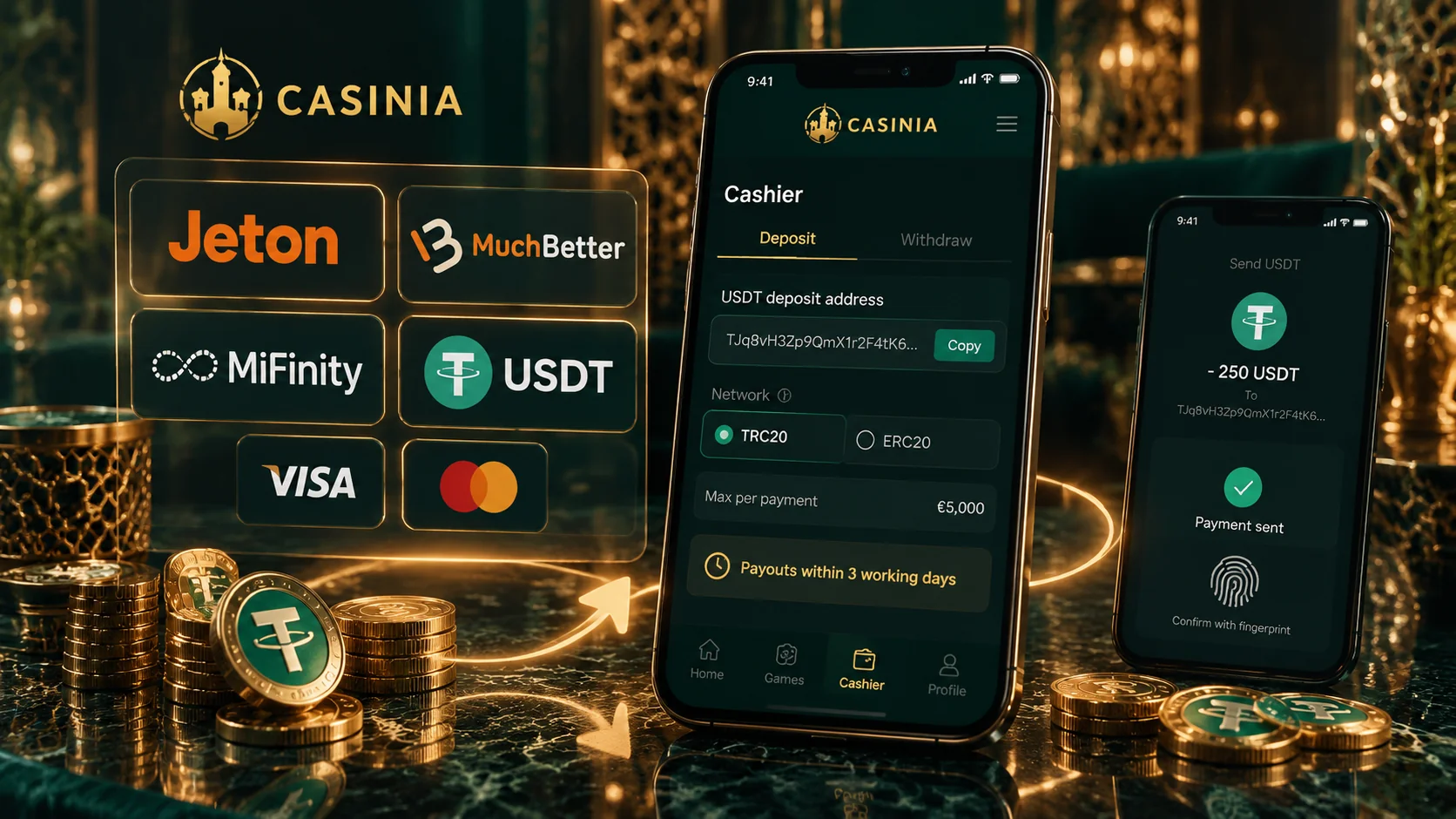
A few rules are worth knowing before your first payout. Requests are processed within three business days, Monday to Friday, and a bank transfer can take three to five business days more. A deposit must be wagered at least once before it’s withdrawn. At least \$20 has to have been wagered in the calendar month of the request, and no more than three requests can be pending at once. Daily and monthly limits depend on your VIP level, starting at \$500 a day and \$7,000 a month.
Verification comes into it sooner or later. You may be asked for an identity document, proof of address from the last three or six months, and proof that your payment method is yours; a phone camera makes that easy enough, provided the photos are clear and uncropped. The Help Centre says checks usually take 24 to 48 hours once everything is in, while the terms allow up to ten days. I mean, it’s simply less stressful to do this before you need a withdrawal. The Casinia casino app doesn’t change any of these rules; they’re the same for every customer.
Security, Updates and Troubleshooting
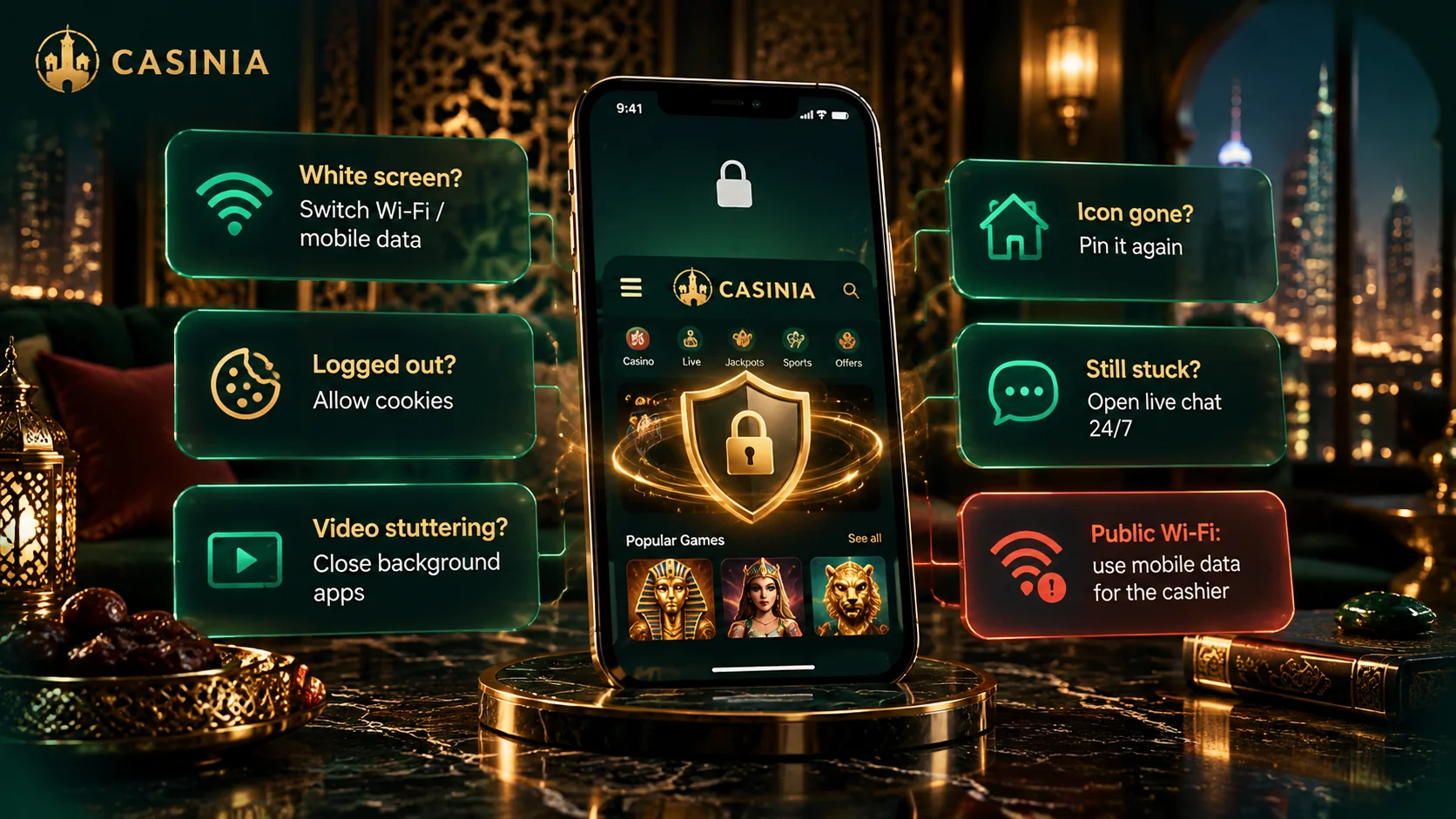
A phone is with you all day, so a few habits are worth having:
- keep the screen locked with a PIN, fingerprint or face recognition;
- use a password you don’t use anywhere else, and don’t save it on a shared phone;
- sign out when you’ve finished, and avoid public Wi-Fi for payments;
- install the Android app, and any newer version of it, only from the official download page;
- ignore messages that ask you to “update” or “verify” by opening a link.
On updates, the shortcut needs none, since it opens the live site. How the installed Casinia app receives new versions isn’t something we could confirm, so the safe rule is to take them from the same official page as the original. When something goes wrong, the usual causes are simple: an APK that won’t install often means an unfinished download, too little storage or a missing permission; a shortcut option that’s absent is usually solved by Chrome on Android or Safari on iPhone; and a failed login is very often a capital letter. If the trouble follows a password change, the Help Centre suggests clearing the browser’s cookies and cache.
Beyond that, support at Casinia is available 24 hours a day on live chat and at [email protected], and they’ll ask for a screenshot of the error. To sum up: on Android, the Casinia app download is an APK from the official page, or a shortcut if you’d rather; on iPhone, the Casinia casino app is the shortcut. One last thing, and it matters most. Gambling can be addictive, a break or self-exclusion can be arranged through support, and the Casinia app changes nothing about the odds. Please confirm that this kind of activity is permitted in your jurisdiction before you register, deposit or play – and decide on your own limit before you open Casinia for the first time.